
Graphic novels, made for screens
Turn your art into stories that move, sound & speak every language.
PanelWave turns graphic novels into living digital works: video panels, layouts for every screen, sound, live-text balloons that translate — and branching, when your story wants it. Built in a professional studio, played by an open-source player, stored in an open format. Creators keep 100%.
Where do you start?
Why stick to an old print format?
Most digital comics are still print pages on glass: fixed size, silent, still — pinch to zoom on a phone. A screen can show far more. It can lay the same panels out for every device, let a single panel move, give a scene its sound, and let readers tap, explore and choose.
- ✓Layouts for every screen
- ✓Video panels
- ✓Sound per panel
- ✓Hotspots & choices
- ✓Live-text balloons
- ✓Print as one export
Seven more things paper can't do
Your art stays the source. Everything else gets an upgrade.
02 · A drawing that breathes
Video panels: your drawings, in motion
Animate a drawing with the AI video tool you already use — or with your own animation — drop the clip into a panel and choose how it plays. PanelWave makes the web version, the poster frame and the reversed copy for you. Only that panel moves; the rest of the page stays your comic.
- Four ways to play. Play once and hold the last frame, loop, play forward-and-back (ping-pong), or play once and then loop from a second you pick on a filmstrip.
- Three ways to start. When the panel comes into view, on mouse-over (page view) or on a tap — perfect for a reveal the reader triggers.
- Upload, done. Every upload gets an H.264 web version, an automatic poster frame and filmstrip thumbnails. Choose ping-pong and a reversed copy is generated, so backwards playback is seamless.
03 · Text stays text
Live-text balloons: one drawing, every language
When lettering is baked into the artwork, every new language means erasing and re-lettering pixels — page after page. In PanelWave the balloon is drawn by a lettering engine and filled with real text. A translation is a new string; the balloon re-fits itself, and readers switch language mid-story.
- Ten balloon types. Speech, rectangle, narrator caption, three cut-top styles, thought, shout, whisper and connector — with tails, presets and a style cascade from work to character to single balloon.
- Re-fits per language. Balloons auto-size to their text and re-measure for every language, so a longer German line still fits. The editor warns you when text overflows.
- A real translation workshop. Every string in story order, completion per language, DeepL drafts you approve, translation memory, a glossary for your series terms, and stale flags when the source changes.
04 · Linear is perfect. Branching is possible.
Story graph: linear today, branching when you want
Most stories are linear — and most creators will start that way. In PanelWave that costs nothing: every chapter is a graph, and a linear comic is simply a chain of panels, wired automatically when you import a script or pages. When a story wants more, the same graph allows a choice, a detour that rejoins the main arc, or a different ending.
- Linear by default. Importers wire a straight reading order for you. You never have to look at a graph unless you want to.
- Choices without code. A hotspot sets a variable or jumps directly; edges test it. Readers also get a “Choices” button whenever more than one path is open.
- Detours that rejoin. Optional scenes, side alleys and flashbacks that come back to the main arc — ordinary shapes in the graph.
05 · One panel, several cuts
Variants: the right version for every reader
Some scenes need more than one version. A fight that's gentle for younger readers and unflinching for others. A scar that stays because of an earlier choice. A thought balloon that changes once the clue is found. A variant is an alternative version of a panel with a rule; when a reader reaches the panel, the first rule that matches wins.
- Rules on variables. Each variant has a condition on your story variables — intensity, age, a choice, a found clue. Variants are checked in order; the first match wins, otherwise the base panel shows.
- Swap anything. Artwork layers, balloons, hotspots, sound, video, timing — a variant replaces exactly the parts you change.
- Let readers choose the intensity. Ask once at the start (“How intense should fight scenes be?”) or expose the setting in the reader's settings — every panel with variants follows.
06 · You draw. The assistant does the paperwork.
AI agents via MCP: hand over the busywork
Uploading ninety pages, wiring panels, lettering dialogue from the script, drafting translations, running preflight — necessary, but not the reason you make comics. Connect Claude, ChatGPT, Cursor or any MCP client to PanelWave and hand that work to an assistant. It works as you, with your permissions, and asks before anything public or destructive. The artwork comes from you: you upload your pages, whether drawn by hand or made with your own image tools, and the assistant works only with what you upload.
- From script to work. The assistant reads your script or outline and creates chapters, pages, panels, characters and balloons — after showing you a dry run.
- Upload whole folders. With the local bridge (npx -y @panelwave/mcp) it uploads a folder of artwork, skips duplicates and attaches every image to the right panel.
- Letter and translate. Place balloons on many panels at once, extract strings, draft translations for review and keep the glossary in mind.
07 · Built to outlive us
Open format & player: publish with us — or yourself
Your work is a file: panelwave.json plus your assets, in an open format (CC BY 4.0) that any software may read. Publish it on PanelWave with review links, embeds and QR codes — or export the work archive and serve it from your own server with the open-source player (MIT). Same work, same reading experience, no lock-in.
- An open, documented format. JSON Schema 2020-12, versioned, every 1.0 manifest still valid. Validate it with the open CLI, read it with the TypeScript types.
- Publish on PanelWave. A public reader link, unlisted review links for editors, an embed code for your website, a QR code for print, and a link to every page and panel.
- Or take it home. The work archive (zip) holds the manifest for every format and every asset variant. Unzip it on any static host and play it with the open-source player.
08 · Keep 100%. Not 70. Not 50.
Keep 100% of what readers pay
PanelWave takes no share of your content sales — on any plan, including free. When reader payments launch, the money goes straight to your own Stripe account: you are the merchant, only the payment provider's fees apply. We earn from the studio tools, never from your stories.
- 0% platform fee, pinned in code. The platform fee is fixed at zero in the payment integration — not a promotional rate.
- Paid straight to you. Payments are direct charges on your own connected Stripe account. PanelWave never holds your money.
- Gate what you want. Paywall rules per work, chapter, panel or bonus extra, with free preview panels — set up and tested in the content map.
Pick your door
One format. Three kinds of people.
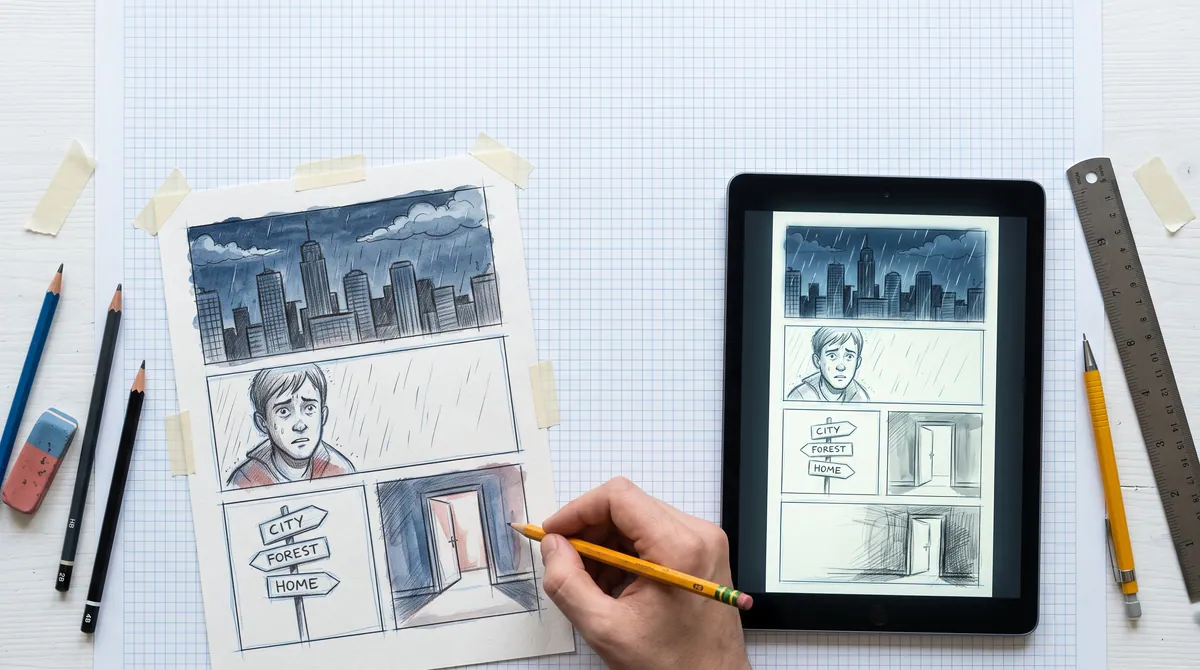
I make comics
Your comic. Alive. Yours.
- ✓Make your art move and sound
- ✓Reach readers in every language
- ✓Keep 100% of what you earn
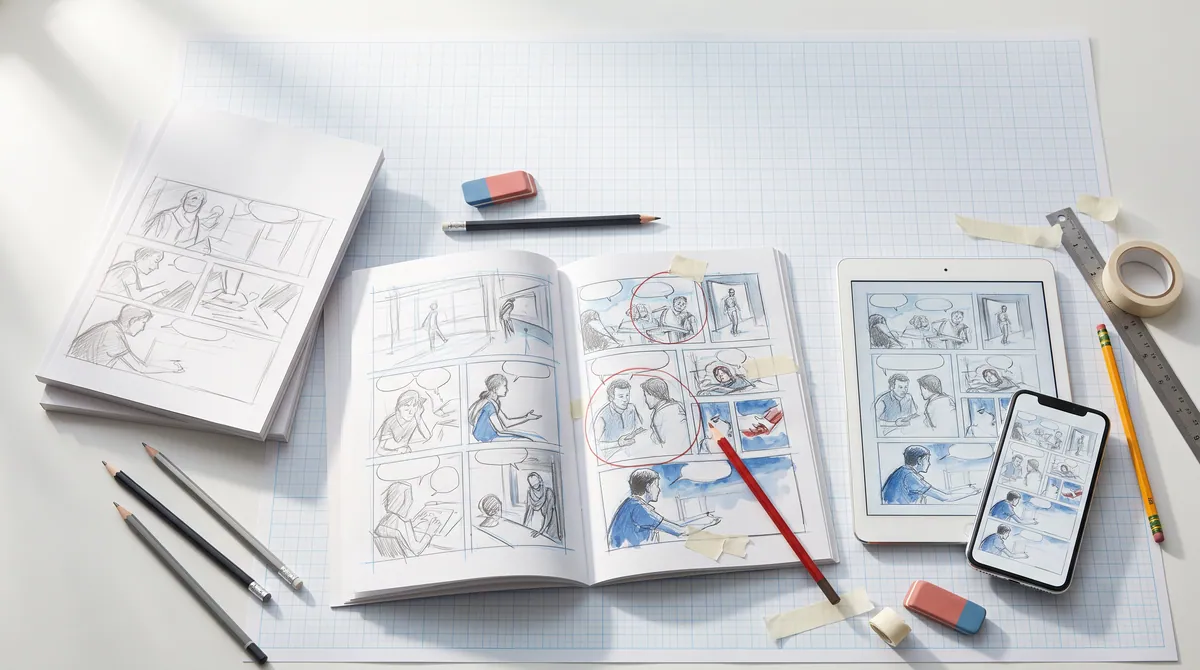
I publish comics
The digital edition, finally worth it.
- ✓Bring your backlist to screens
- ✓Every language edition from one master
- ✓Own your format, readers and data
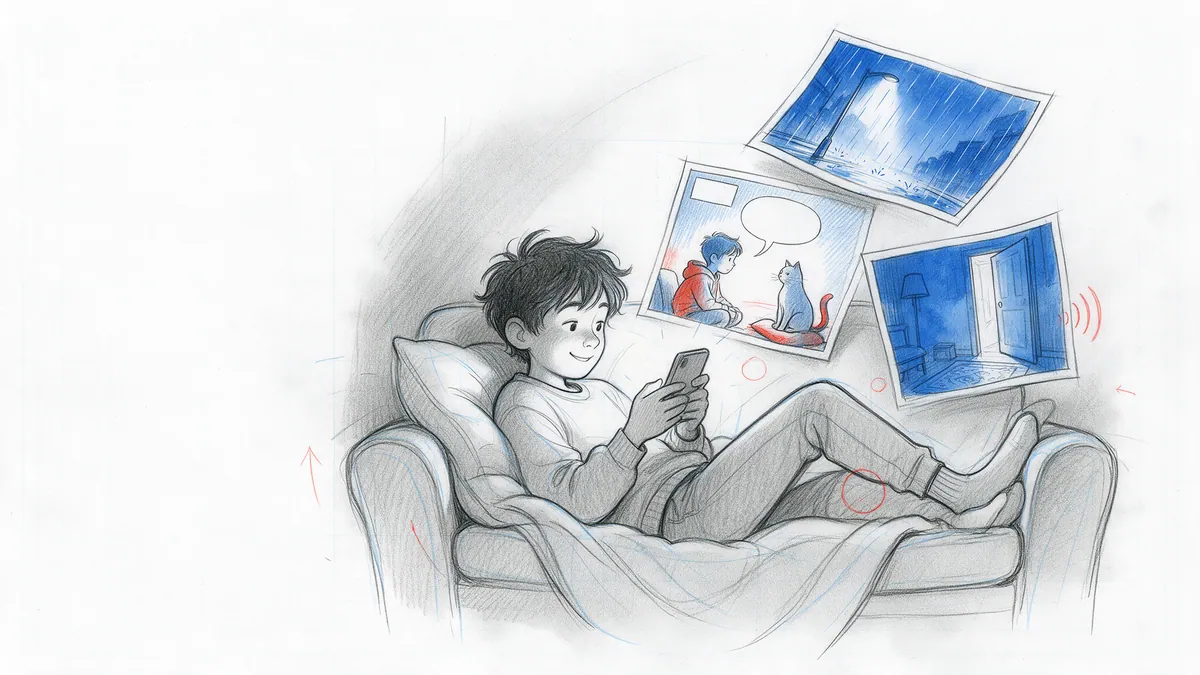
I read comics
Your story. Your pace. Your path.
- ✓Comics that move, sound and react
- ✓Read in your language
- ✓No app — just open a link
TARMAC – Episode 1 “Pilot” · ©2026 Peak State Entertainment GmbH · excerpt reproduced with permission
First example
TARMAC: a sci-fi comedy, built with PanelWave
A conspiracy-obsessed dad, his very patient daughter and a UFO that isn't what it seems. The pilot excerpt is our real-world test bed: 38 panels, 14 of them video panels, 22 live-text balloons, laid out for five screen formats — a linear story, told the way the medium allows.
Open at the core, professional when you need it
One ecosystem. Three layers.
Founding Creators · 50 numbered places
An invitation to shape a medium
12 months of the Creator plan free, 1:1 onboarding with the founder, and your story in the PanelWave Anthology Vol. 1 — digital and in print. The deal: publish one interactive work of 10+ panels by 31 December 2026 and tell us the truth in a 30-minute call.
Publisher pilot · 3 slots
One backlist title, brought to life — at no cost
We produce an interactive edition of one existing title, including a second language. Rights stay 100% with you.
About the pilot- Free
- €0
- one full publication, forever
- Work Pass
- €59
- once per book, no subscription
- Creator
- €11/mo
- 10 works, monthly allowances
- Studio
- €45/mo
- 15 seats, staging, full review
- Publisher
- Custom
- platform + per title
Pencil us into your inbox
Creator spotlights, product updates, new works and tips — 1–2 emails a month.
No spam. Unsubscribe anytime.
Every great story starts as a sketch.
Open the drawing board and start with your script, the smoothest way in, or with the art you already have: panel images, video clips or pages without lettering. Add balloons, shape the story, and see your first chapter running on a screen.